CSS Grid vs Flexbox: A Comprehensive Comparison
Published on by DablewDevs
Introduction
CSS Grid and Flexbox are two of the most powerful layout systems available in CSS. They allow developers to create complex, responsive layouts with ease. While both systems can be used to achieve similar results, they have distinct differences that make them suitable for different tasks.
CSS Grid
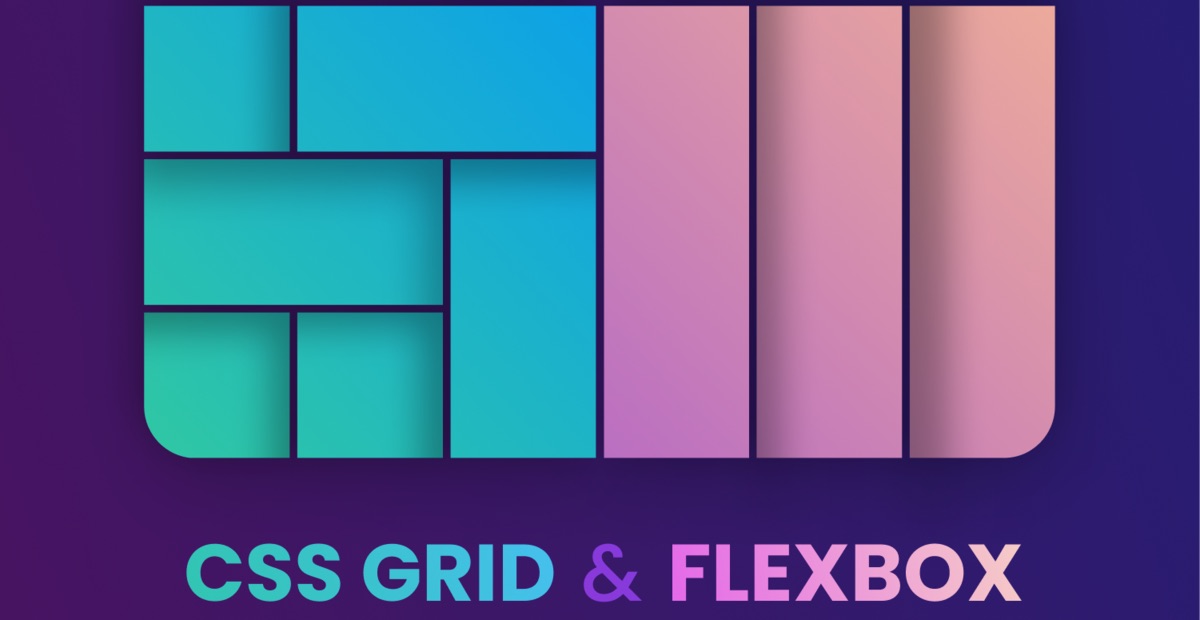
CSS Grid is a two-dimensional layout system, meaning it can handle both columns and rows. It is perfect for creating grid-based layouts, such as photo galleries, complex web pages, and more. CSS Grid allows you to define explicit grid tracks and place items precisely within the grid.
Example: Creating a simple grid layout with three columns and two rows.
grid-container {
  display: grid;
  grid-template-columns: repeat(3, 1fr);
  grid-template-rows: 100px 100px;
  grid-gap: 10px;
}
CSS Grid is particularly useful when you need to create a layout that requires precise control over both horizontal and vertical alignment.
Flexbox
Flexbox is a one-dimensional layout system, which means it is designed for laying out items in a single direction, either as a row or a column. Flexbox is ideal for distributing space within a container and aligning items along a single axis.
Example: Creating a navigation bar with evenly spaced items.
flex-container {
  display: flex;
  justify-content: space-between;
  align-items: center;
}
Flexbox is particularly useful for components like navigation bars, where you need to align items along a single axis and distribute space evenly.
Comparison
While both CSS Grid and Flexbox can be used to create responsive layouts, they have different strengths:
| Aspect | CSS Grid | Flexbox |
|---|---|---|
| Dimensions | Two-dimensional — rows and columns together | One-dimensional — a single row or column |
| Layout driven by | The container, which defines the tracks up front | The content, which sizes itself along the axis |
| Best for | Page layouts, dashboards, galleries, card grids | Navigation bars, toolbars, button rows, form fields |
| Item placement | Explicit — items can be placed in a named cell or area | Sequential — items flow in order along the axis |
| Gaps between items | Supported via gap | Supported via gap in modern browsers |
| Overlapping elements | Straightforward — items can share grid cells | Requires absolute positioning |
CSS Grid provides more control over the layout, allowing for complex designs, while Flexbox is simpler and more intuitive for straightforward alignment tasks. The most common real-world pattern is Grid for the overall page structure and Flexbox for the components inside each region.
When to Use Each
Choosing between CSS Grid and Flexbox depends on the layout requirements:
- Use CSS Grid when you need a grid-based layout with both rows and columns, such as a photo gallery or a complex web page layout.
- Use Flexbox when you need to align items in a single direction, such as a navigation bar or a row of buttons.
In many cases, you might find yourself using both CSS Grid and Flexbox together to achieve the desired layout.
Conclusion
Both CSS Grid and Flexbox are essential tools for modern web design. Understanding their differences and strengths will help you choose the right tool for your layout needs. By mastering both, you can create responsive, flexible, and visually appealing web designs.
Layout decisions like these are the kind of thing our frontend team makes daily. If you are building something and would rather not make them alone, we offer web development services and can place dedicated React developers onto your team. For design-side work, see UI/UX design.
Need Help Building Your Project?
Our experienced developers can bring your ideas to life with modern technologies.
Explore Our Web Development Services